

This is the new Settings UI currently in Beta. It provides the same configuration options with a redesigned interface accessible from the Workspaces UI.
Accessing Settings
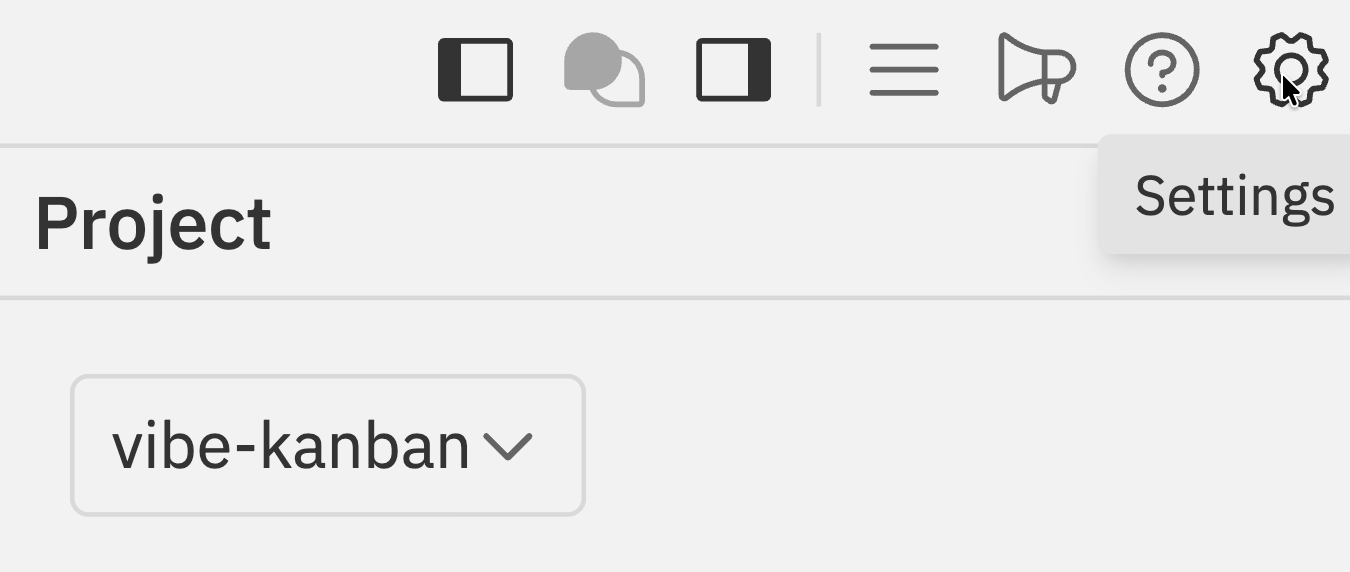
- Click the Settings icon () in the Workspaces navbar
- Press
Cmd/Ctrl + Kand select Settings
Settings Tabs
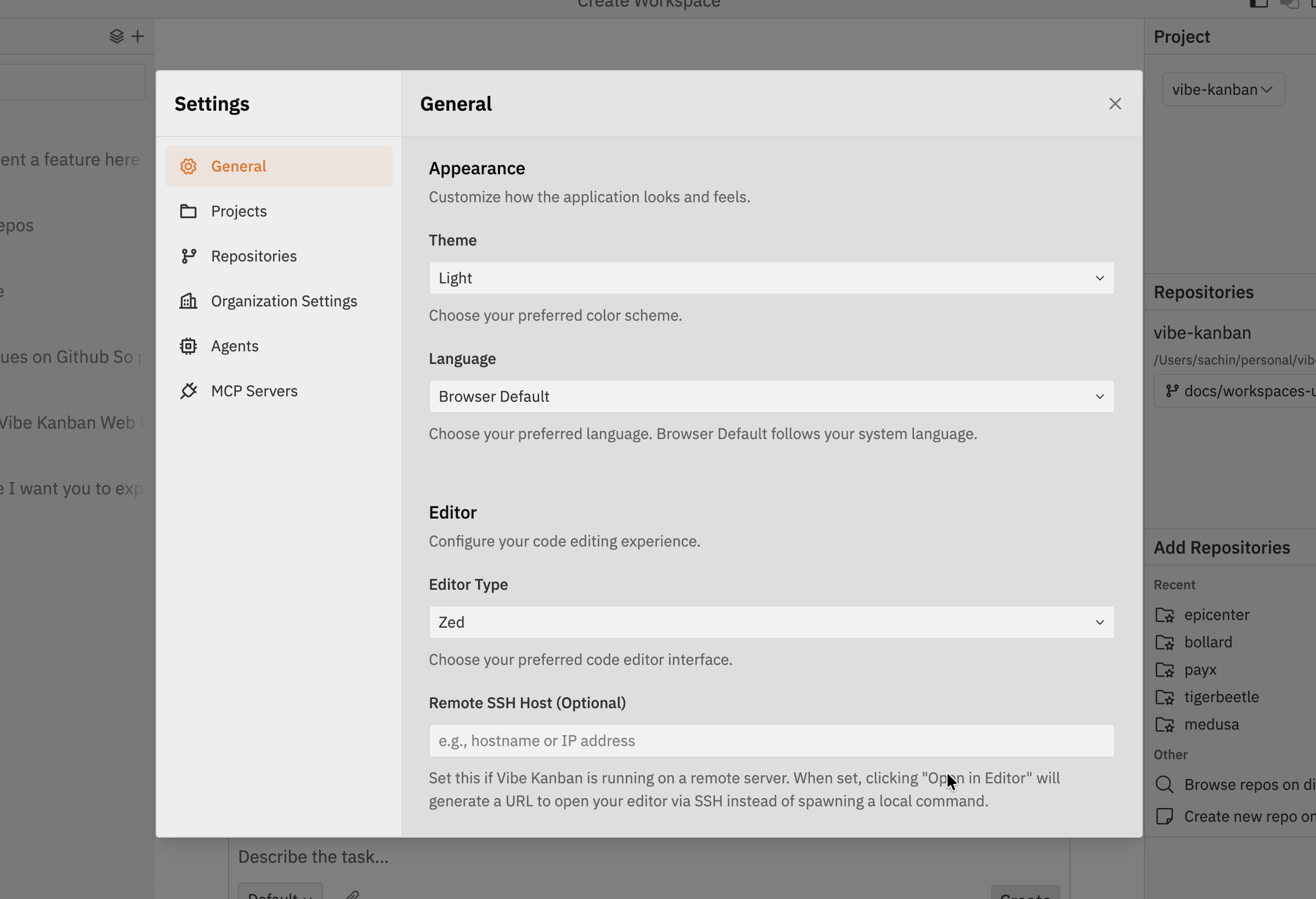
| Tab | Description |
|---|---|
| General | Appearance, default agent, editor, git, and notifications |
| Projects | Project-specific settings |
| Repositories | Repository scripts (dev server, setup, cleanup) |
| Organization Settings | Organisation-level configuration |
| Agents | Agent profiles and variants |
| MCP Servers | Model Context Protocol server configuration |
General
Configure appearance, default agent, editor, git preferences, notifications, tags, and beta features.General Settings
Complete guide to general settings including appearance, editor configuration, and more
Projects & Repositories
Configure project-specific settings and repository scripts including dev server, setup, and cleanup commands.Projects & Repositories
Configure project settings and repository scripts
Organization Settings
Configure organisation-level settings that apply across all users and projects.Agents
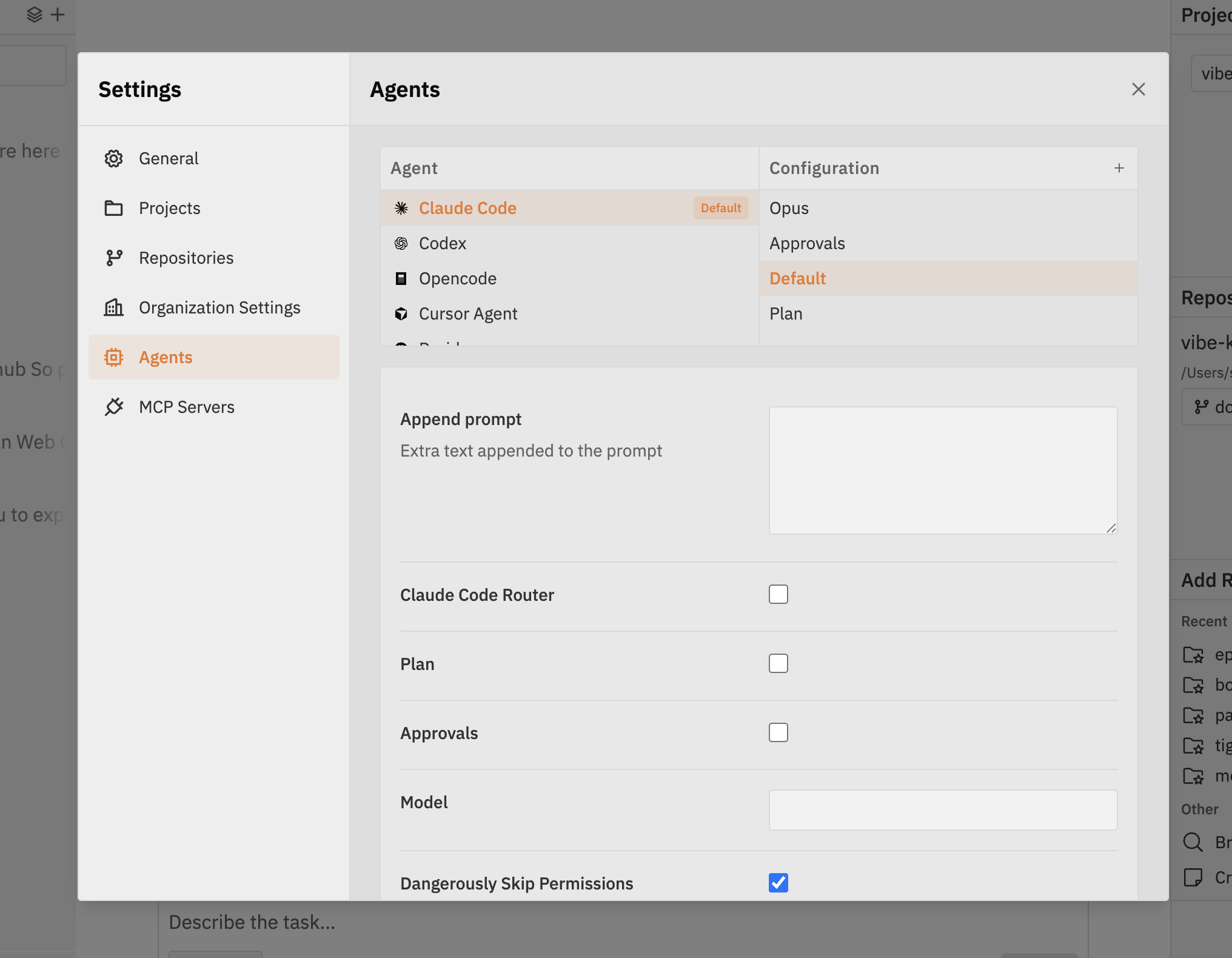
- Left column (Agents) - Available coding agents (Claude Code, Codex, Opencode, Cursor Agent, etc.)
- Right column (Configurations) - Different variants for the selected agent (Default, Opus, Approvals, Plan, etc.)
Agent Profiles & Variants
Detailed guide with examples for configuring agent variants
MCP Servers
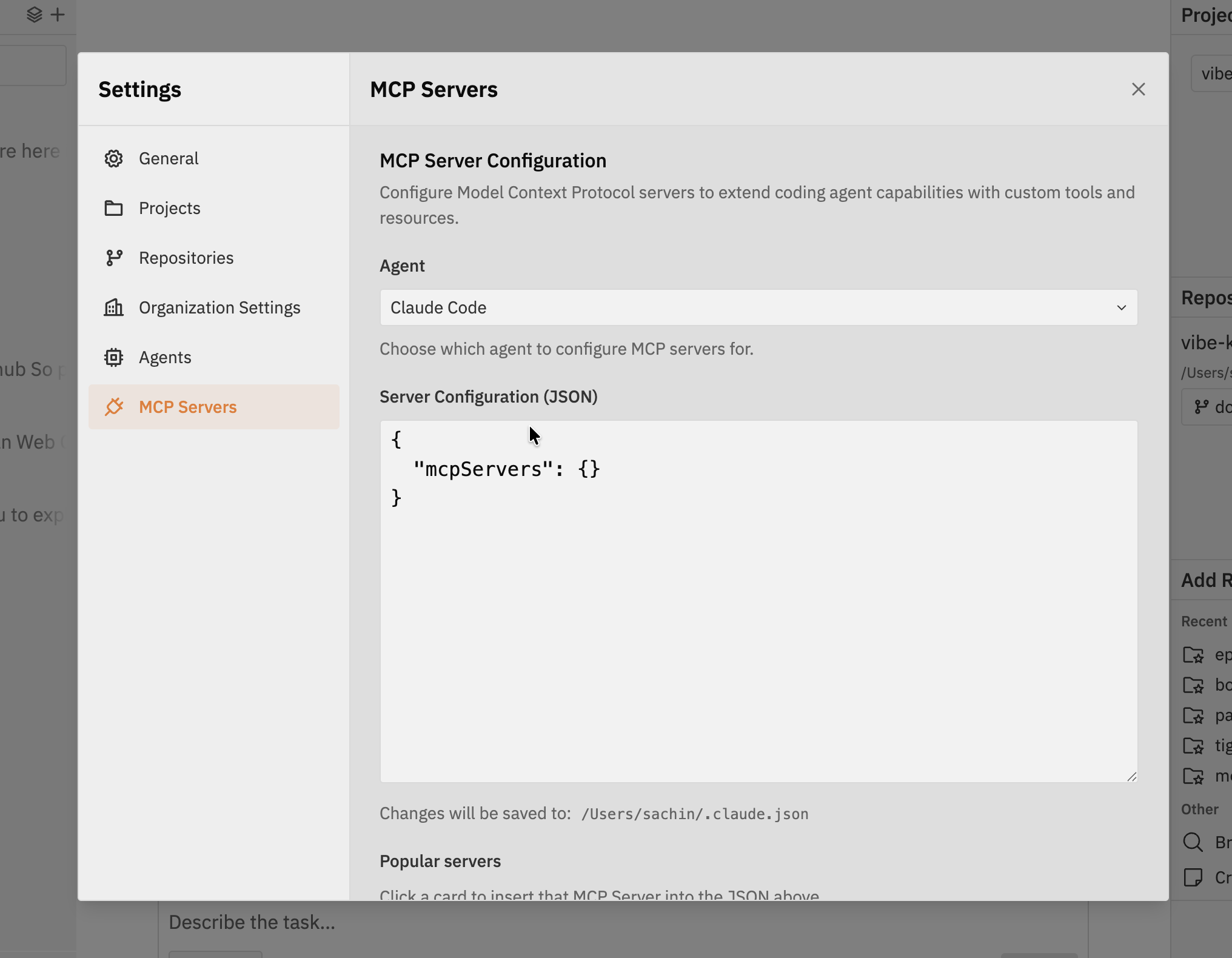
- Agent - Choose which agent to configure MCP servers for (e.g., Claude Code)
- Server Configuration (JSON) - Edit the MCP server configuration directly in JSON format
- Popular servers - Click a card to insert a pre-configured MCP server into the JSON
Connecting MCP Servers
Configure MCP servers within Vibe Kanban for your coding agents
Related Documentation
- Classic Settings - Original settings page documentation
- Workspaces - The new Workspaces UI where beta settings are accessed